
What VINELink Covers in Outagamie County
Outagamie County sends victims and the public to Wisconsin VINE for custody status and telephone or email alerts. The county VINELink page makes that clear. The State Department of Corrections Office of Victim Services and Programs runs Wisconsin VINE County Jails. Local law enforcement takes part. Status checks stay anonymous. No registration is required just to look.
The service shines after a known arrest. That is when you want word of a move or release. Not every booking shows up instantly. Federal custody, immigration cases, juveniles, and out-of-county matters sit outside its reach. The current county route uses siteId 50100, so ignore any older identifier from historical material. The county deployment page establishes local participation.
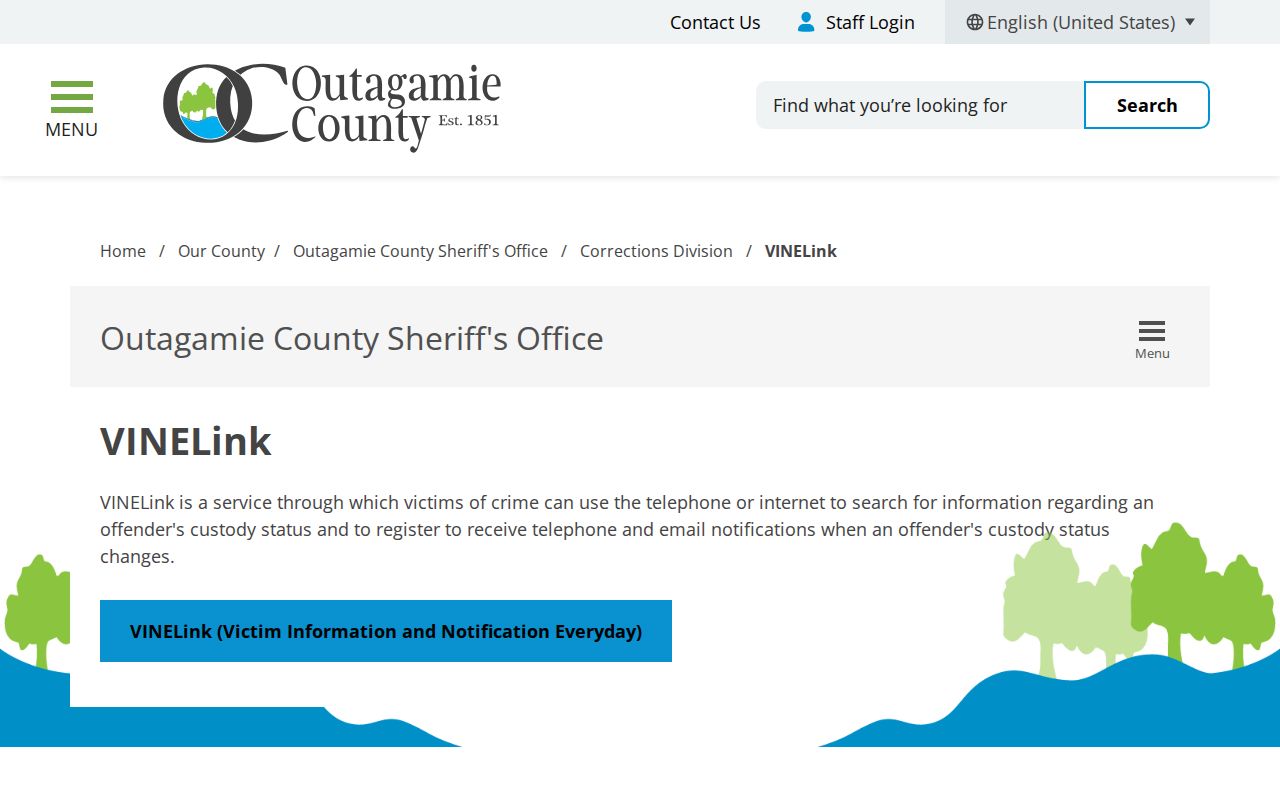
This county source is stronger evidence than an old third-party VINE link.
How to Check a Outagamie County Arrest on VINELink
Stick to the modern VINELink search shell. Keep the search narrow. Remember, a missing result does not mean no arrest happened.
- Open VINELink and select Wisconsin.
- Choose the county-jail custody system relevant to Outagamie County.
- Enter the person's full name or known identifier and review spelling.
- When several matches appear, compare the available identifier and facility rather than choosing by name alone.
- Read the custody status and update context, then confirm an important result with the jail.
For the underlying booking record, use the county daily report. The current inmate list works too. So does a targeted records request. WCCA handles later charges. VINELink answers a custody-notification question, not a full arrest history. The public search screen shows the state and person controls.
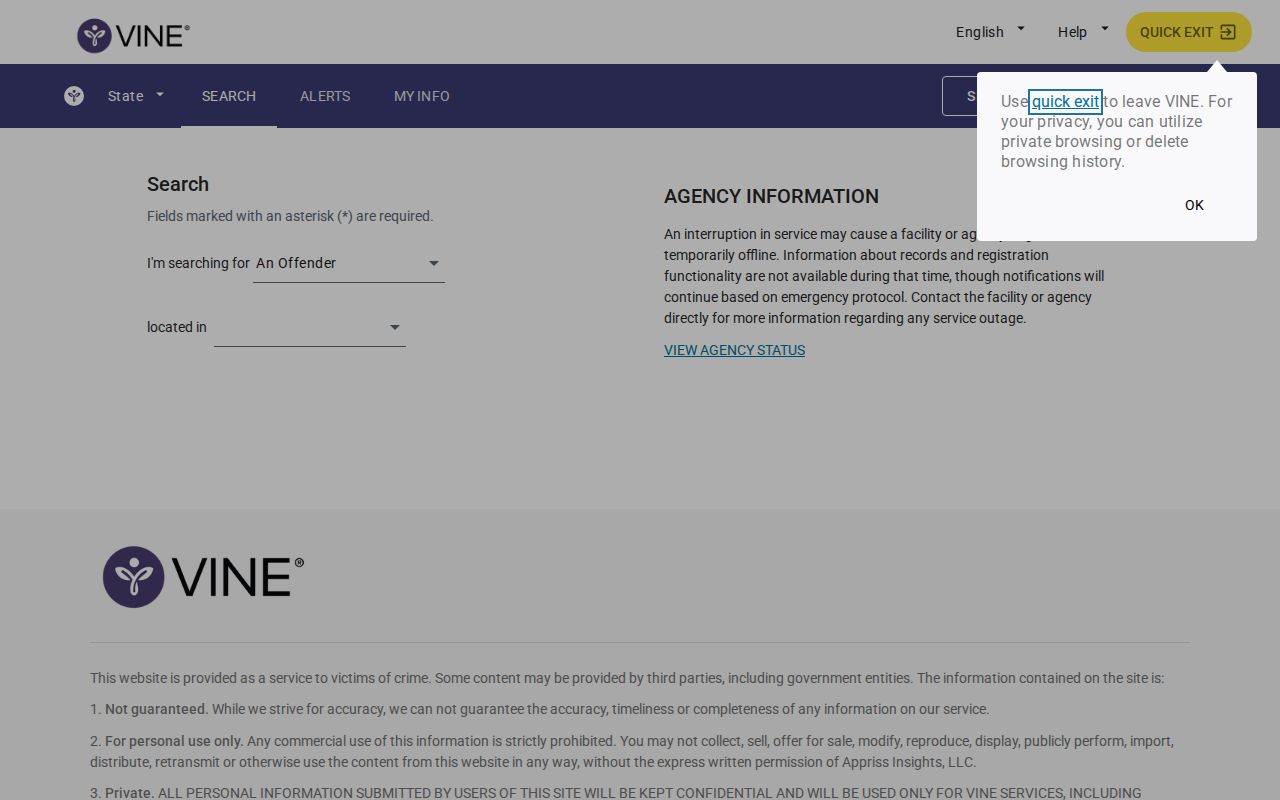
The blank search interface demonstrates the workflow without displaying a private person's result.
What VINELink Shows After an Arrest
Button placement on the site can shift over time, so focus on the underlying custody concepts rather than the exact layout.
| Result item | What it means |
|---|---|
| Name or identifier | A matching aid that still requires careful comparison. |
| Custody status | The status supplied by the participating system at its latest update. |
| Facility | The reported jail or custody location, which may change after transfer. |
| Agency or system | The participating source feeding the record. |
| Notification option | A route to register for supported custody changes. |
Treat the custody concepts as the stable part. A missing result can stem from spelling, timing, release, transfer, another county, federal custody, or a record outside public scope.
How to Register for Custody Alerts
Wisconsin offers web and telephone access in English, Spanish, and Hmong. The published number is 1-888-WI-4-VINE, or 888-944-8463. Telephone registration uses a four-digit PIN, and calls can continue for up to 48 hours or until the right PIN is entered.
- Open the matching custody record and choose the notification option.
- Select a supported telephone or email method and enter it accurately.
- Create and securely retain the four-digit PIN when using telephone registration.
- Review the type of custody change covered and complete confirmation.
- Keep the jail number available because automated alerts may lag or fail.
Keep your registration details private. Alerts exist for safety and victim-notification needs, and the VINELink home interface begins registration.
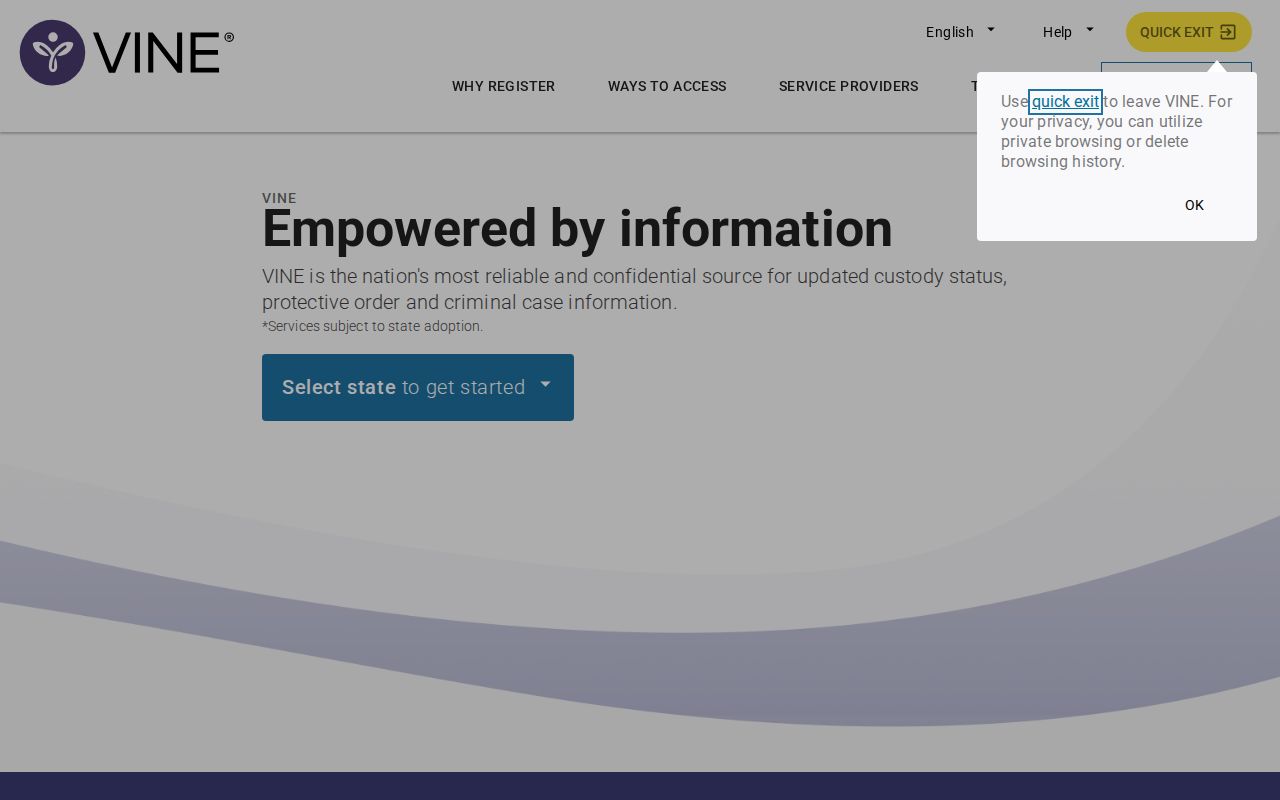
The registration capture shows controls without entering anyone's personal data.
VINELink Limits and How to Confirm
VINELink does not replace the current inmate list or the Arrests Last 24 Hours report. The county roster may refresh before a new booking reaches VINE. VINE, though, is built for custody changes and alerts. The daily report ages out. Each tool has its lane. For federal inmates, use the Federal Bureau of Prisons locator, and for immigration cases, ICE runs its own detainee locator. The Wisconsin DOC offender search covers state custody or supervision. None of these extend the Outagamie booking feed.
Confirm critical changes: automated data can lag. Call the jail or the right agency before acting on a release or transfer notice.
Booking and confinement are not court outcomes. Only the court decides the case.